00Leava GmbH · IT company
Software, built to be understood and kept running.
Leava GmbH designs and develops custom software, web platforms, backend systems and cloud infrastructure — and connects them to the tools a business already relies on.

01Company overview
An engineering company for organisations that need software to fit how they actually work.
Off-the-shelf products cover common cases. When processes, data or integrations go beyond them, a tailored system is often the more practical answer. Leava GmbH builds those systems end to end: from requirements and architecture to implementation, deployment and maintenance.
The work is guided by a simple standard: the software should be understandable to the next person who reads it, observable when it runs, and changeable without fear. That standard shapes every decision, from naming to infrastructure.
02Core capabilities
Six areas of work, often combined in a single engagement.
- 01
Custom software
Business applications shaped around specific processes and data.
- 02
Web platforms
Browser-based products, portals and internal tools.
- 03
Backend & APIs
Services, data models and interfaces that other systems depend on.
- 04
Cloud & DevOps
Infrastructure as code, pipelines, environments and monitoring.
- 05
Integration
Connecting ERPs, CRMs, payment providers and in-house systems.
- 06
Automation
Removing repetitive manual steps from operational workflows.

03Custom software development
Built around your process, not the other way round.
Custom development makes sense when spreadsheets, manual hand-offs or a patchwork of tools start to slow a team down. The work begins by mapping the real process — who does what, with which data, and where errors occur — and turning that into a focused application.
- Domain modelling and data design
- Role-based access for different user groups
- Reporting and export features
- Documentation written for future maintainers
04Web applications & digital platforms
Interfaces that load fast, read clearly and work on every screen.
Customer portals
Self-service areas where customers can view orders, documents or account data.
Internal tools
Dashboards and back-office applications that replace scattered spreadsheets.
Platforms
Multi-user products with accounts, permissions, payments and administrative views.
Accessibility, performance and responsive layout are treated as baseline requirements. Frontend and backend are developed together, so the interface reflects the real capabilities and constraints of the system behind it.

05Cloud & infrastructure
Infrastructure you can rebuild from a repository.
Environments are described as code, deployments run through automated pipelines, and logs and metrics are in place before the first release. This keeps infrastructure reproducible, reviewable and easier to hand over.
- Provisioning
- Infrastructure as code
- Delivery
- CI/CD pipelines
- Runtime
- Containers & managed services
- Visibility
- Logging, metrics, alerts
06Systems integration & automation
Fewer copy-paste steps between the systems you already have.
Many inefficiencies sit between applications: data typed twice, files sent by email, status checked by hand. Integration work connects these systems through APIs, events or scheduled jobs, with error handling and logs so failures are visible rather than silent.
Example workflow
- 01Order arrives in the web shop
- 02Validated and written to the ERP
- 03Invoice generated and archived
- 04Warehouse notified with pick list
- 05Failures routed to a review queue
Illustrative example, not a client case.
07Development process
Five stages, each with a visible result.
1
Discover
Goals, users, constraints and existing systems are documented.
2
Define
Requirements become a prioritised backlog with acceptance criteria.
3
Build
Short iterations with working software reviewed regularly.
4
Release
Automated deployment, monitoring and a rollback plan.
5
Maintain
Updates, fixes and improvements based on real usage.
08Quality assurance & security
Quality is checked continuously, not at the end.
Automated tests
Unit, integration and end-to-end tests run on every change.
Code review
Every change is read by a second person before it is merged.
Secure defaults
Least-privilege access, encrypted transport and managed secrets.
Dependency hygiene
Libraries are tracked and updated when vulnerabilities are published.
09Collaboration & communication
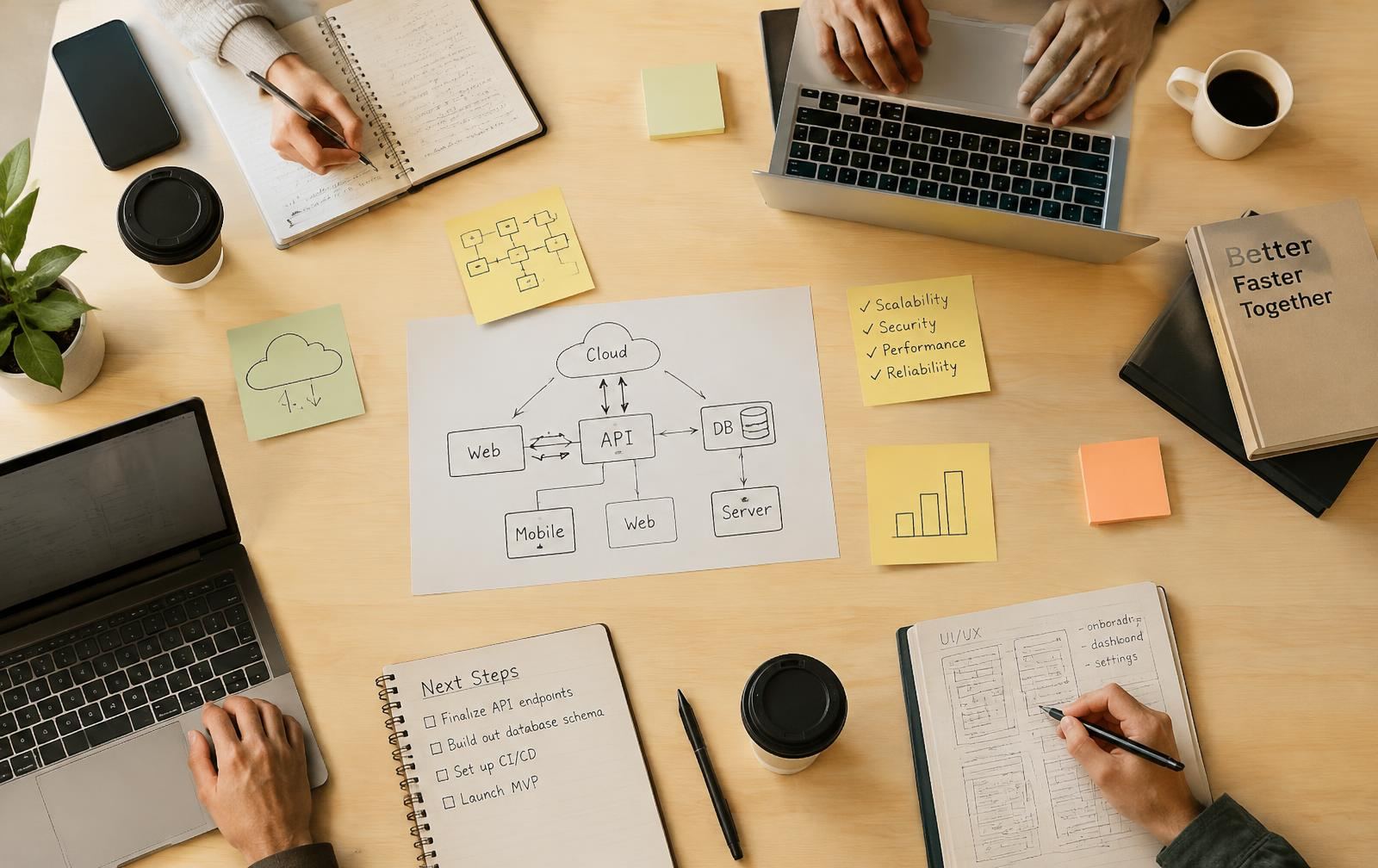
“Decisions in writing, progress you can see, questions asked early.”
Working principle
One shared plan
A single backlog both sides can read, with priorities agreed together.
Regular demos
Working software is shown at the end of each iteration.
Plain language
Technical trade-offs are explained so they can be decided on.
10Frequently asked questions
Questions, answered plainly.
- What kind of projects does Leava GmbH work on?
- Custom business software, web applications, backend services and APIs, cloud infrastructure, systems integration and workflow automation. Work can start from a new idea or from an existing system that needs to be extended, stabilised or modernised.
- Can you take over an existing codebase?
- Yes. Taking over existing software usually starts with a technical review: reading the code, checking the build and deployment setup, and documenting risks before any changes are proposed.
- How is a project scoped?
- Scope is defined together through written requirements, a list of open questions and a breakdown into deliverable increments. Estimates are given per increment and revisited when requirements change.
- Which technologies do you use?
- Technology is chosen to fit the problem, the existing environment and the people who will maintain it afterwards. Established, well-documented tools are preferred over novelty.
- Do you provide support after delivery?
- Maintenance and technical consulting can be arranged as a continuing engagement, covering updates, dependency upgrades, monitoring and incremental improvements.
- How do I start a conversation?
- Write to evsindtvxjdnp@gmail.com with a short description of what you want to build or improve. The Contacts page lists details that are helpful to include.

11Contact
Have a system in mind?
Describe the project, the current situation and what you would like to change. Email:
evsindtvxjdnp@gmail.com